Vibe computing

Vibe computing is when an AI agent operates your real computer the way you do. Clicks, types, uses apps in real time, with you watching. You describe what you want; the vibe computing system carries it out.

The term generalises vibe coding (Andrej Karpathy, early 2024) from software to everything else done at a computer. Voice, text, and screen-reading are the usual inputs; clicks, keystrokes, and app navigation are the usual outputs.

16 vibe computing services below. Tap a card to read the review and visit the product.

16 servicesFound a tool we’re missing? Email admin@vibecomputing.co
dragorscrollto pan
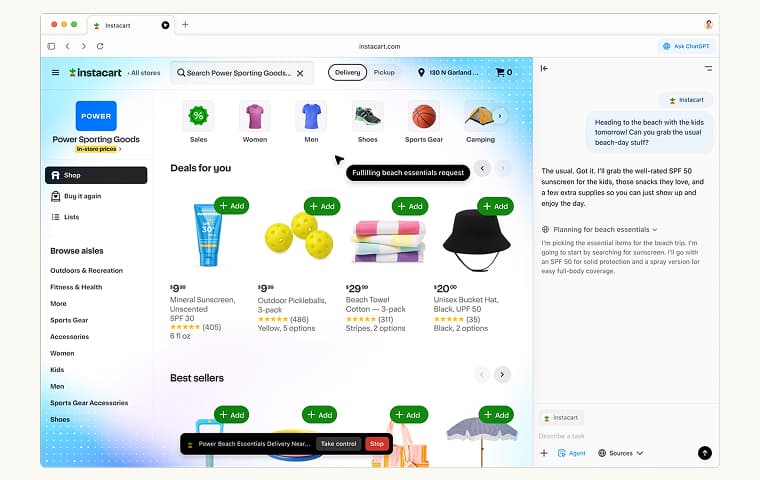
ChatGPT Atlas screenshot — Agentic browser built into ChatGPT. Browser scope only.

ChatGPT Atlas

Agentic browser built into ChatGPT. Browser scope only.
Claude Computer Use screenshot — Gives Claude direct control over your desktop by seeing your screen and performing actions like a human.
Claude Computer Use

Gives Claude direct control over your desktop by seeing your screen and performing actions like a human.

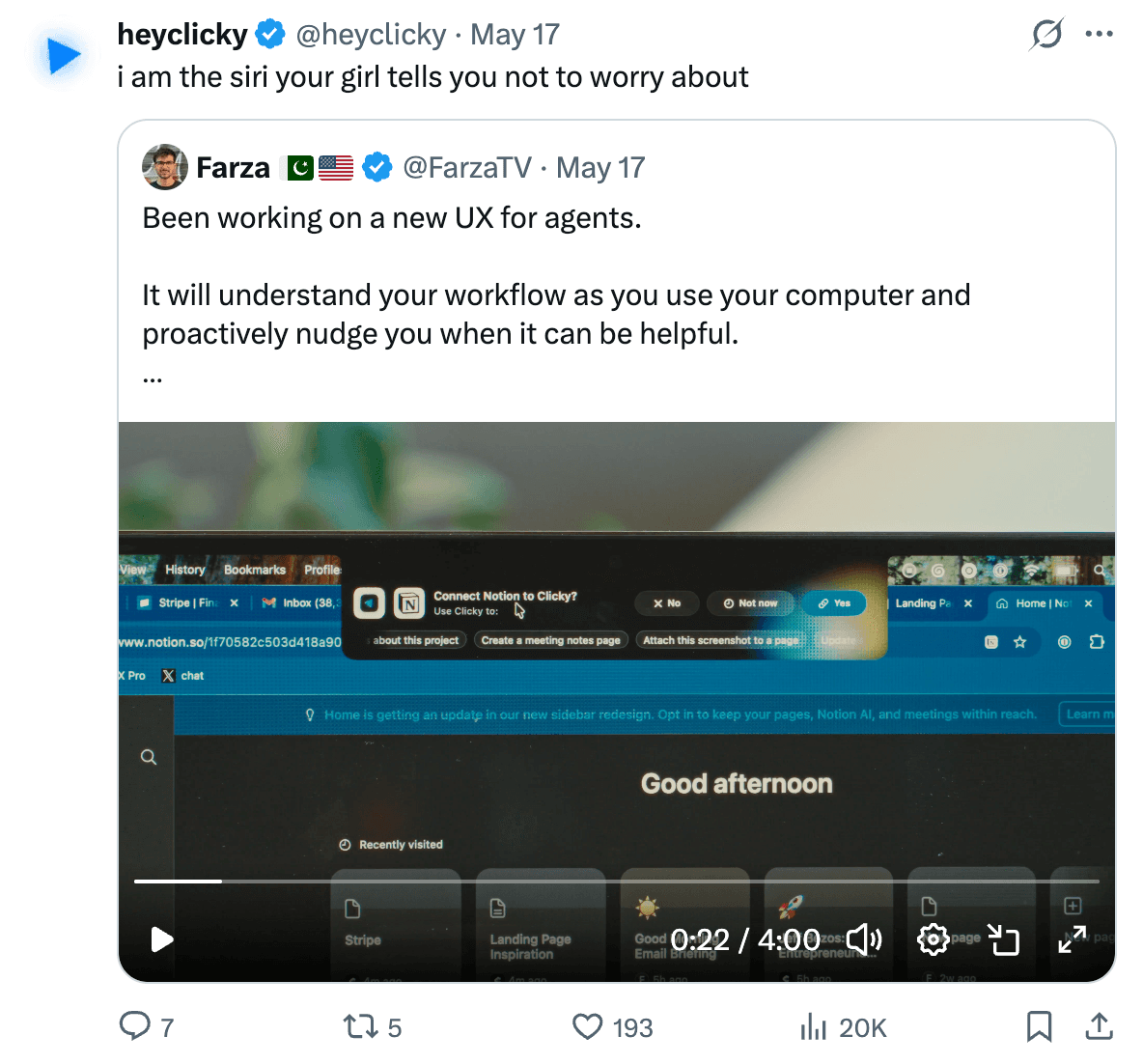
Clicky screenshot — Voice-first AI buddy that lives next to your cursor on Mac — sees your screen, points at what matters, and acts.
Clicky

Voice-first AI buddy that lives next to your cursor on Mac — sees your screen, points at what matters, and acts.

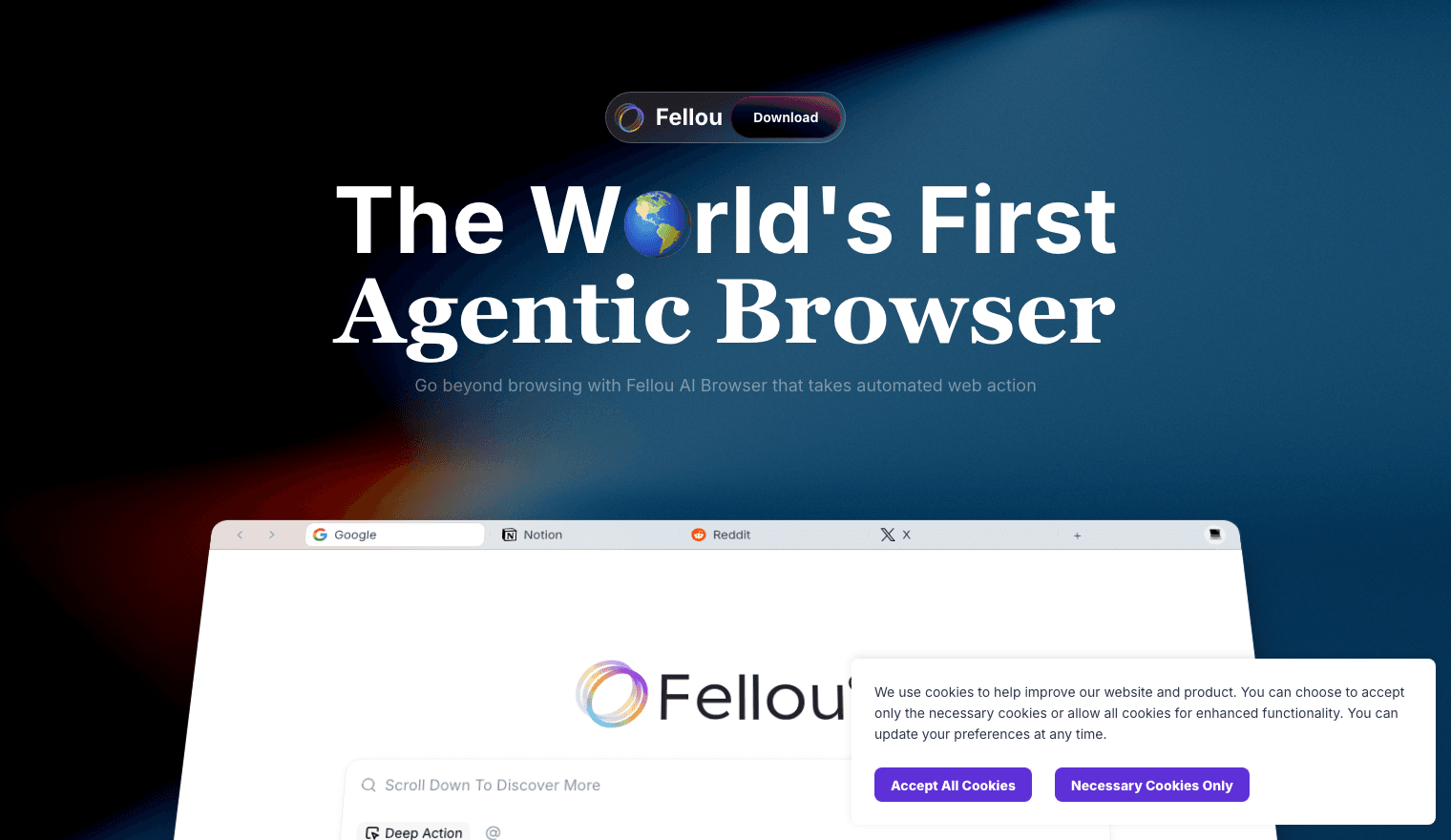
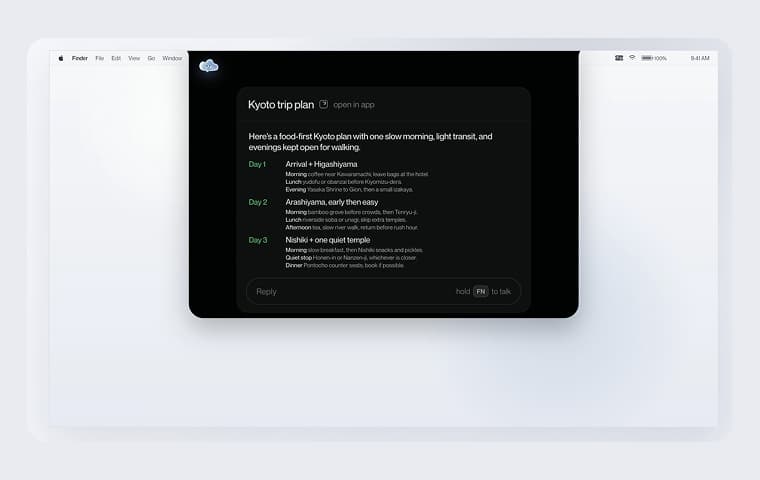
Fellou screenshot — Agentic browser that decomposes a goal into a step-by-step web plan.
Fellou

Agentic browser that decomposes a goal into a step-by-step web plan.

Invoko screenshot — Voice-first, screen-aware desktop assistant that handles tasks quietly in the background.

Invoko

Voice-first, screen-aware desktop assistant that handles tasks quietly in the background.
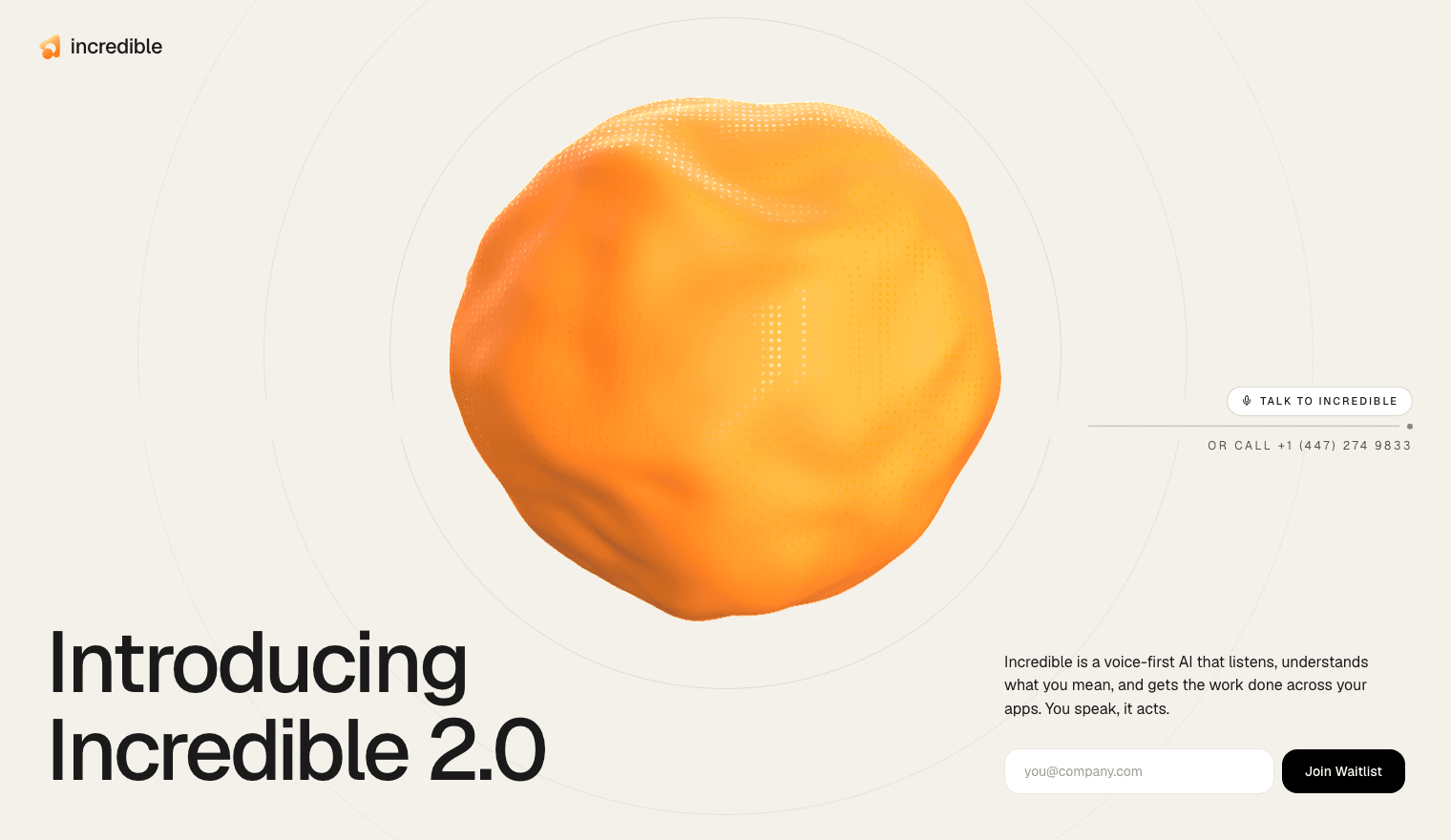
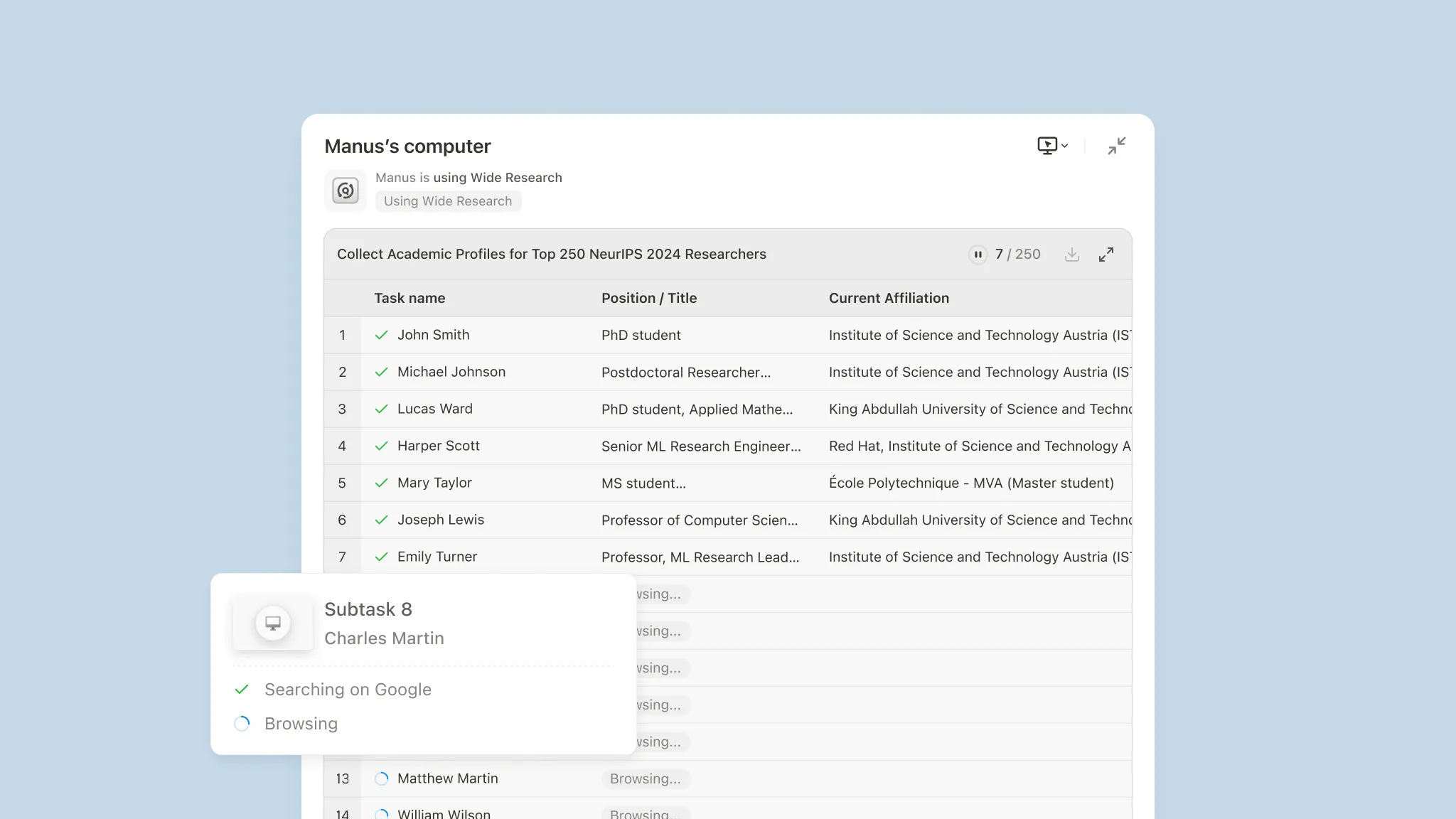
Incredible screenshot — Voice-first AI that reads what's on your screen and acts across whichever applications you have open.
Incredible

Voice-first AI that reads what's on your screen and acts across whichever applications you have open.

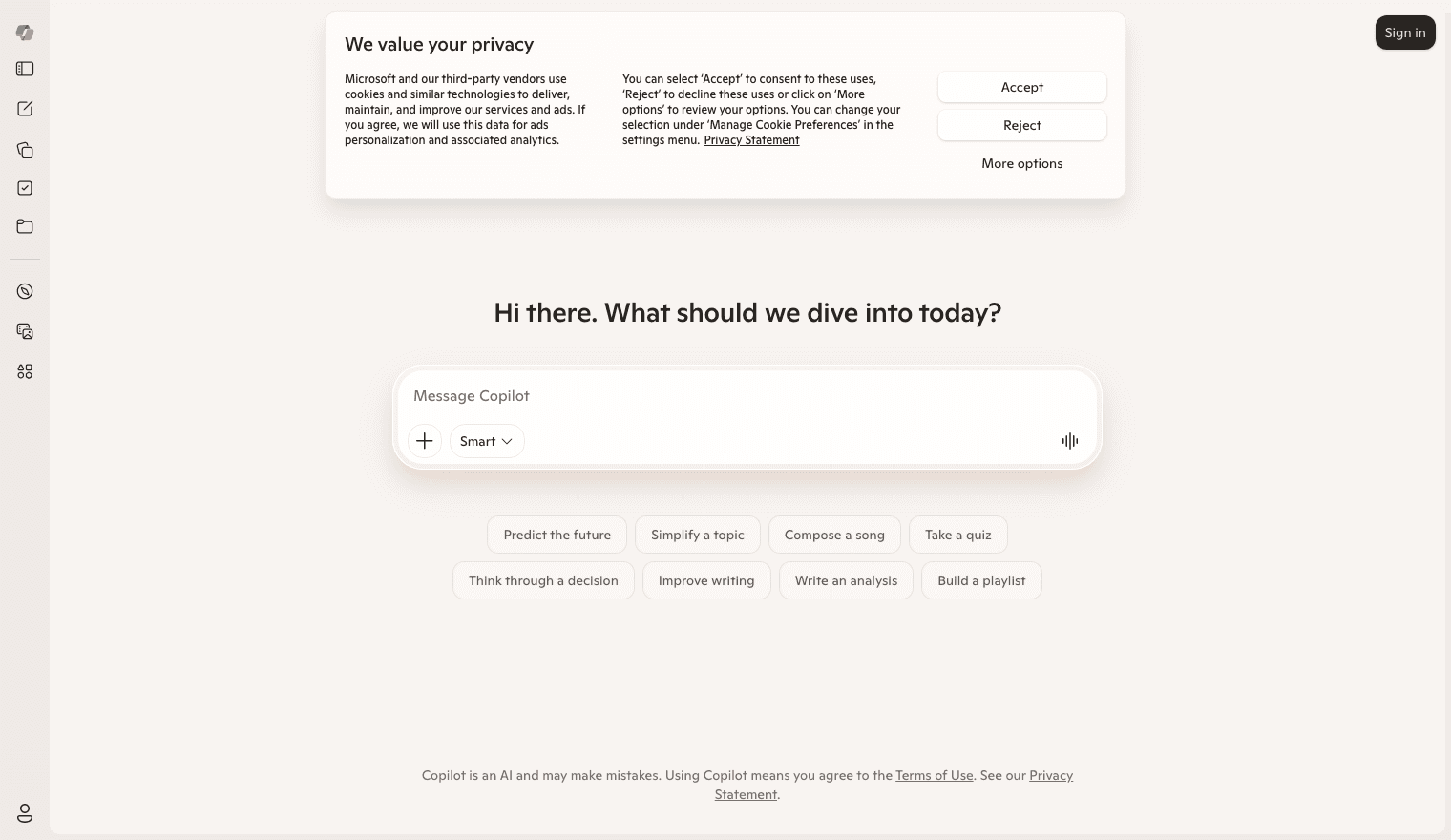
Manus screenshot — Agent with direct access to your files, terminal, applications, and hardware.
Manus

Agent with direct access to your files, terminal, applications, and hardware.

Microsoft Copilot screenshot — Native Windows assistant with Vision and Actions that act across apps in realtime.

Microsoft Copilot

Native Windows assistant with Vision and Actions that act across apps in realtime.
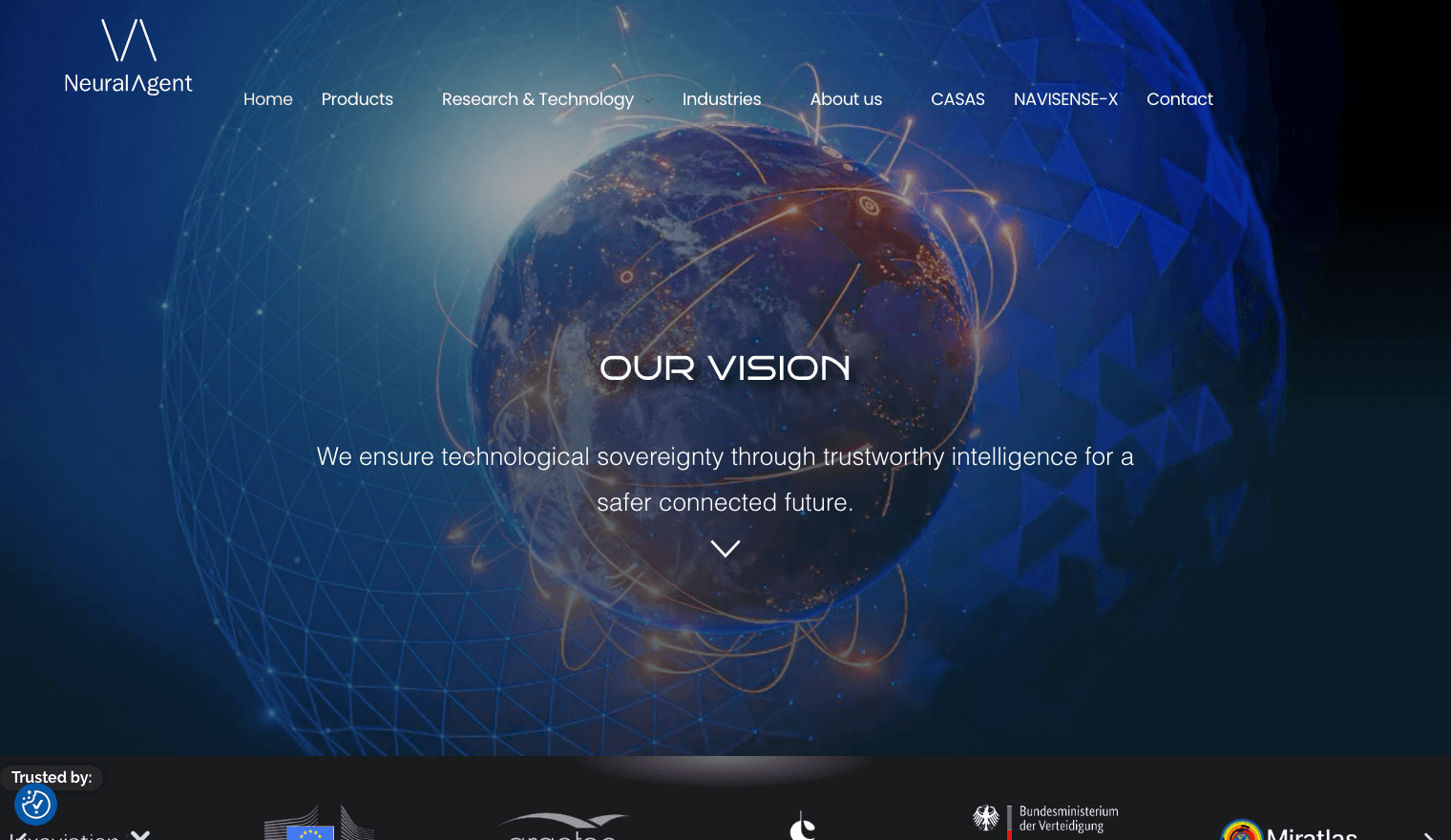
NeuralAgent screenshot — Operates your entire computer; opens apps, clicks buttons, and manages files.
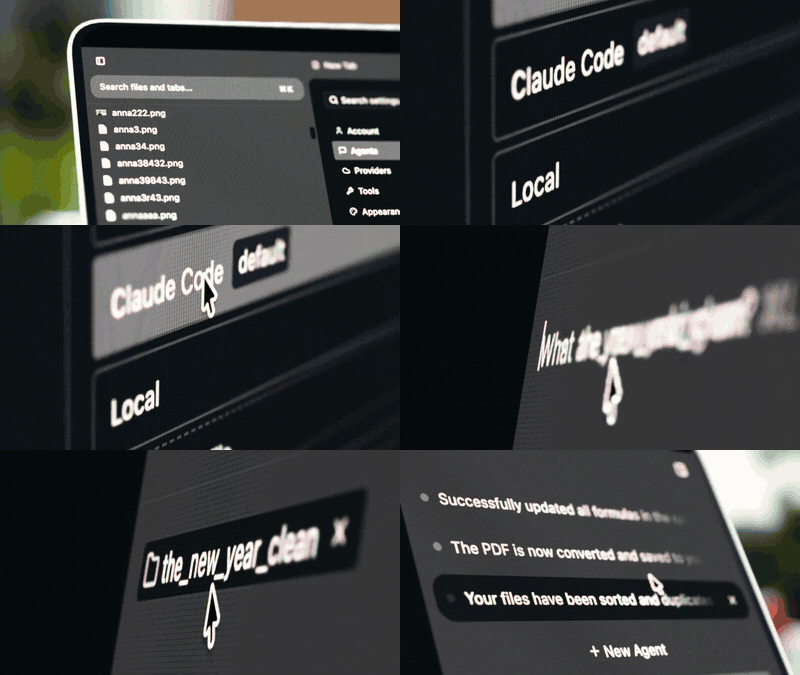
NeuralAgent

Operates your entire computer; opens apps, clicks buttons, and manages files.

Open Interpreter screenshot — Writes and executes code, browses the web, and controls desktop apps through screenshot-based OS mode.
Open Interpreter

Writes and executes code, browses the web, and controls desktop apps through screenshot-based OS mode.

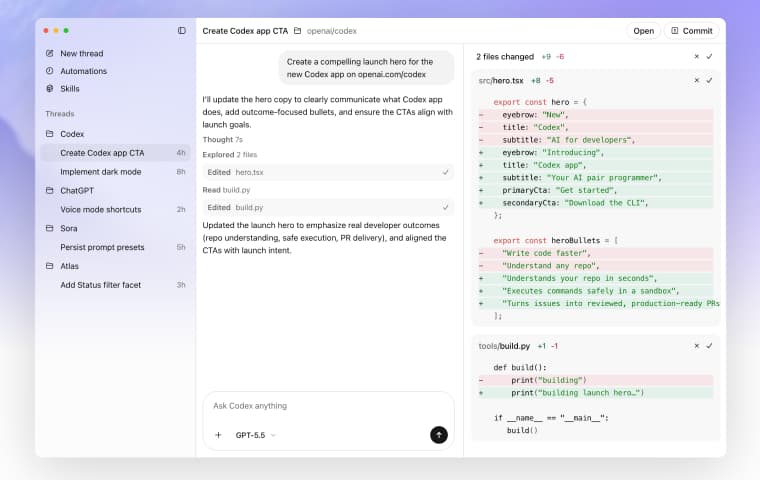
OpenAI Codex screenshot — Full AI workspace that controls your Mac, browses the web natively, and handles repeatable tasks in the background.
OpenAI Codex

Full AI workspace that controls your Mac, browses the web natively, and handles repeatable tasks in the background.

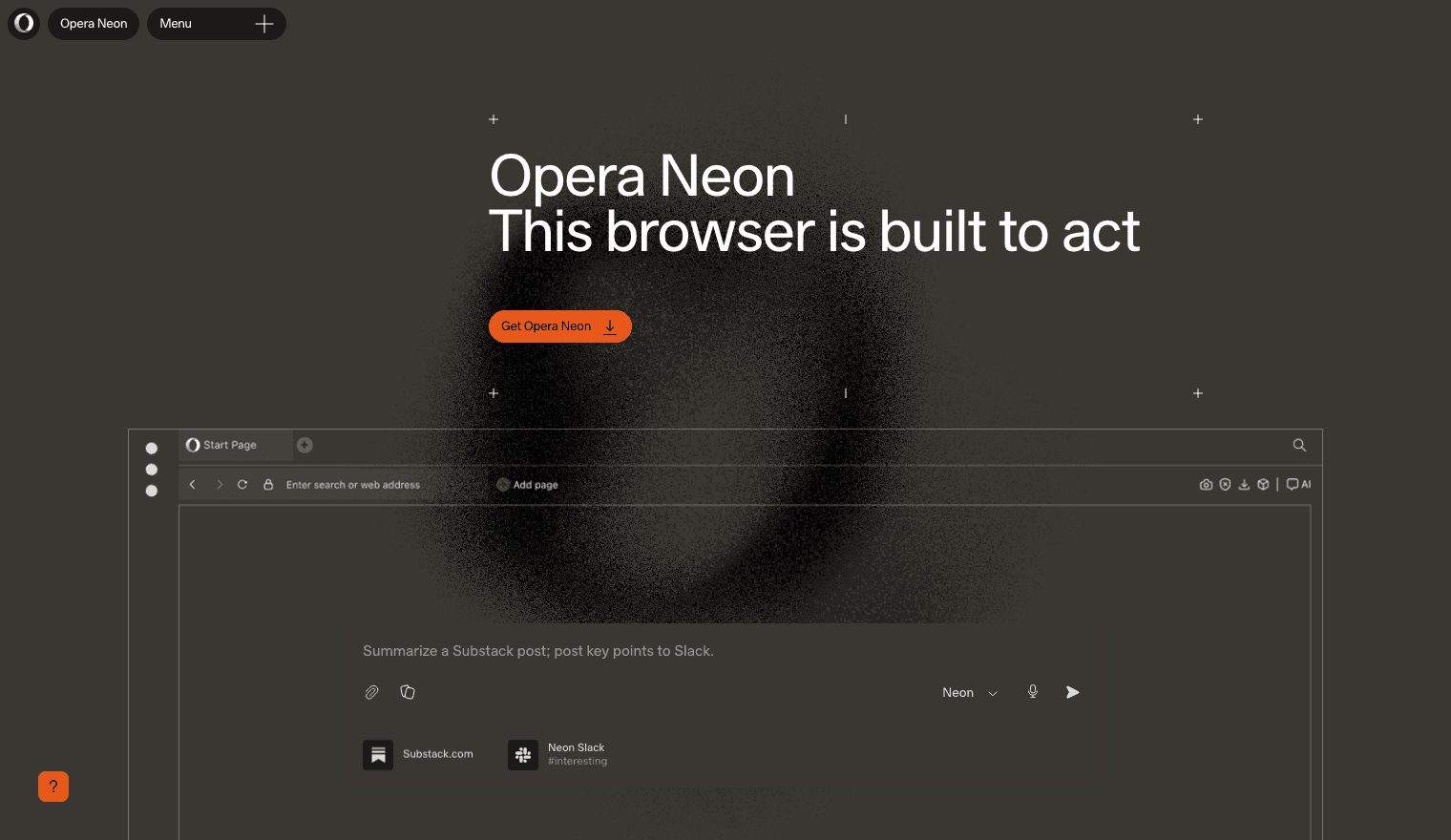
Opera Neon screenshot — Opera's subscription browser positioned as a testing ground for autonomous web tasks.

Opera Neon

Opera's subscription browser positioned as a testing ground for autonomous web tasks.
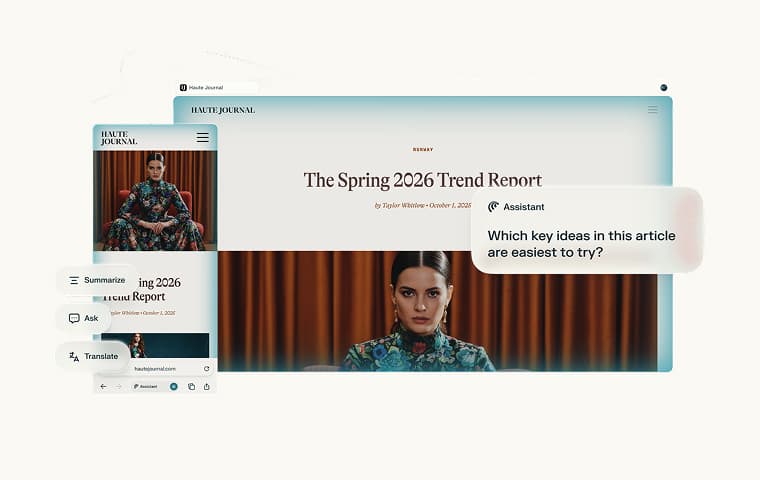
Perplexity Comet screenshot — Agentic browser with full voice control. Browser scope only.
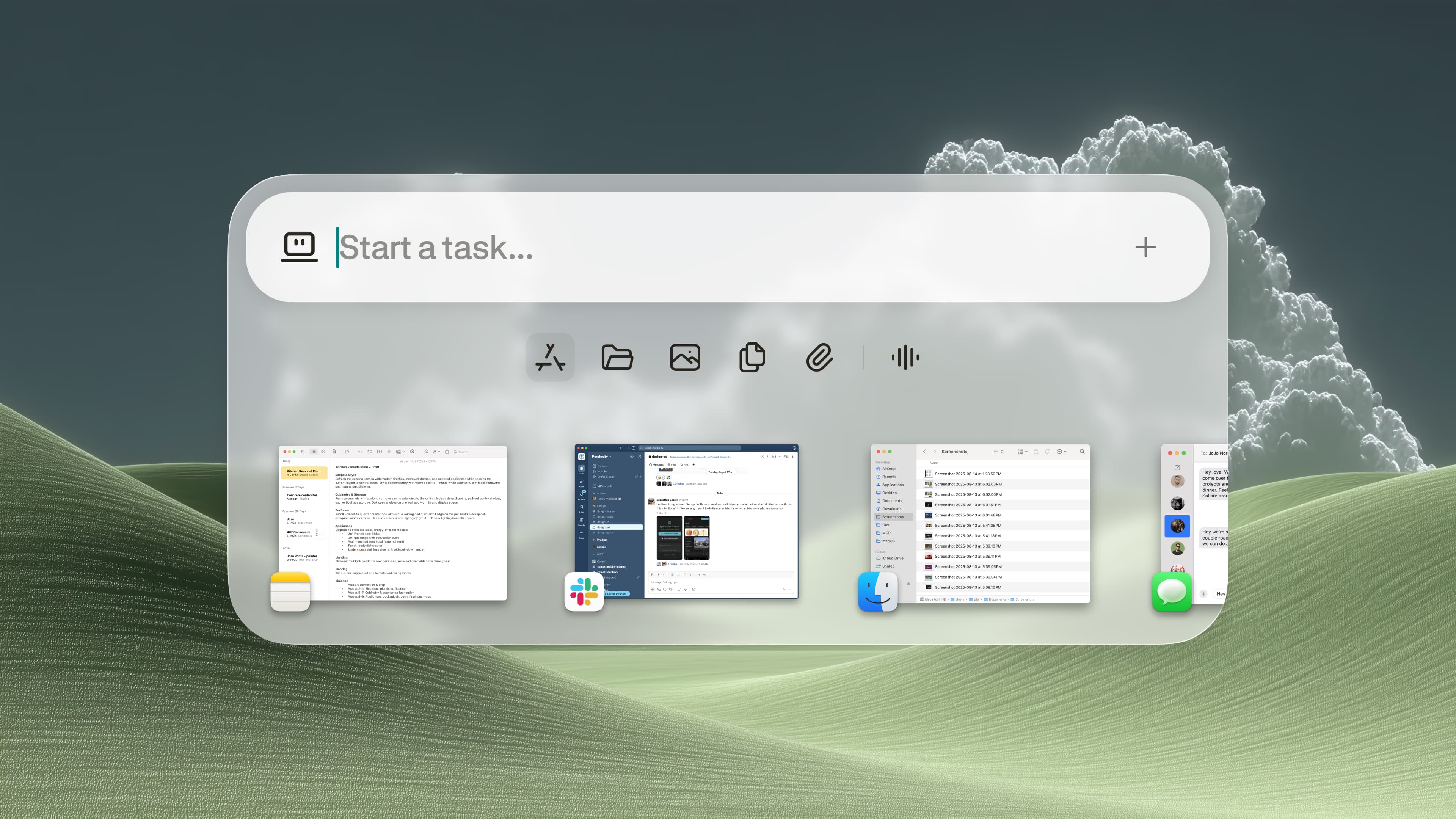
Perplexity Comet

Agentic browser with full voice control. Browser scope only.

Perplexity Personal Computer screenshot — Digital worker that runs entire projects across multiple AI models on your Mac.

Perplexity Personal Computer

Digital worker that runs entire projects across multiple AI models on your Mac.
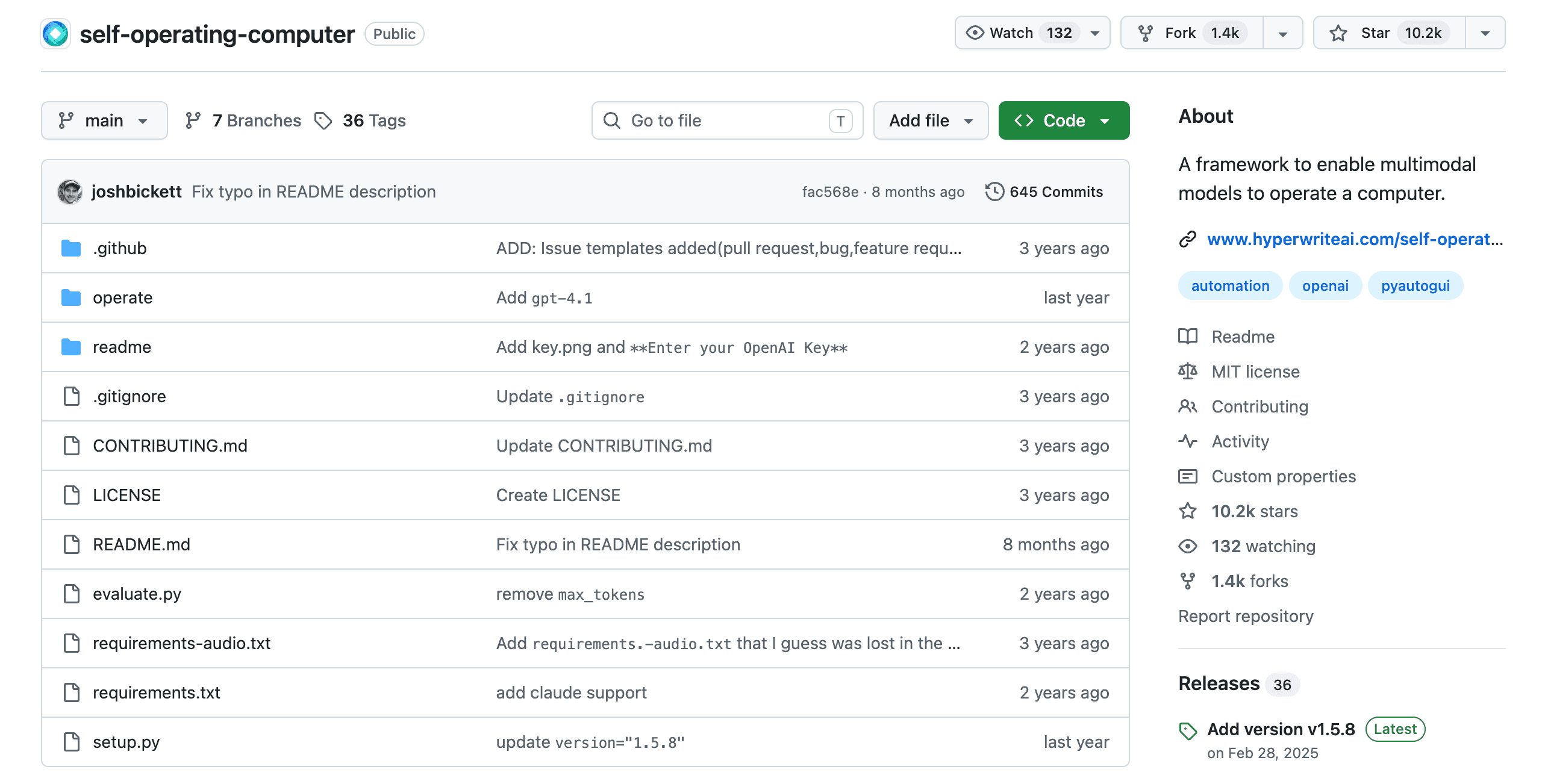
Self-Operating Computer screenshot — Open-source framework that operates your computer with multimodal models, captures the screen, and acts.
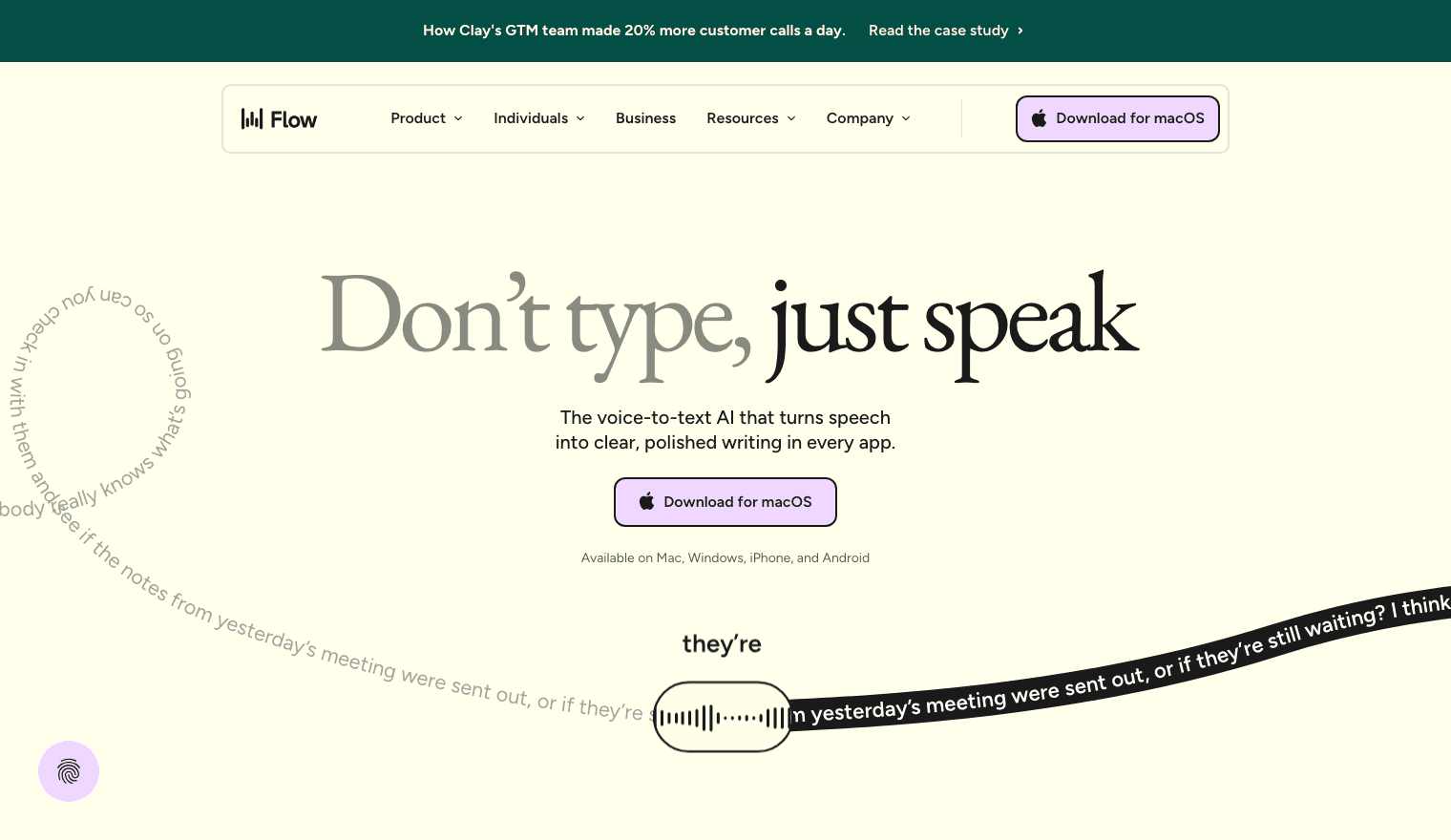
Self-Operating Computer

Open-source framework that operates your computer with multimodal models, captures the screen, and acts.

Wispr Flow screenshot — Voice-to-text dictation across every app. You drive; the AI writes for you.

Wispr Flow

Voice-to-text dictation across every app. You drive; the AI writes for you.